

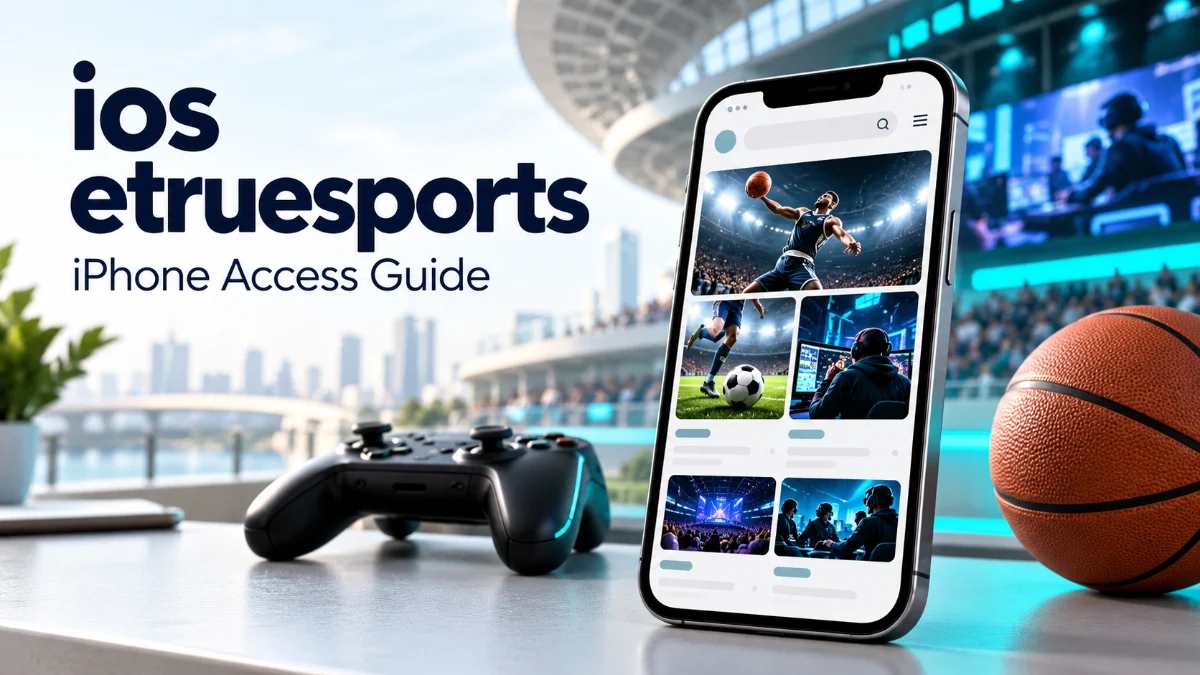
eTrueSports iOS is a search term commonly used by people looking for an eTrueSports app or a way to access its content on an iPhone. However, a current official Apple App Store listing could not be independently verified during research for this article. You can visit the eTrueSports website through your browser, but claims about a dedicated app’s features, price, and compatibility need separate confirmation.
Several online articles describe live scores, tournament updates, streaming, and personalized notifications. Those descriptions do not establish that an official downloadable application offers those functions. Before installing anything, it helps to understand the difference between a website, a Home Screen shortcut, and a native iOS app.
What Is eTrueSports iOS?
The phrase “eTrueSports iOS” suggests an Apple mobile experience associated with the eTrueSports name. Search results often present it as a sports or esports application, although descriptions differ considerably between websites.
The eTrueSports website publishes articles across sports, gaming, technology, and other subjects. Accessing that website on an iPhone does not require proof that a separate application exists.
For readers, the practical distinction is straightforward:
- Website: Content you open through Safari or another browser.
- Home Screen shortcut: An icon that provides convenient access to a website.
- Native iOS app: Software with its own developer, distribution details, compatibility requirements, and version history.
These experiences may look similar on your screen, but they do not automatically provide the same capabilities.
Is There an Official eTrueSports iOS App?
An identifiable official App Store listing was not located in the searches conducted for this guide. That finding does not prove an app has never existed or could not become available later.
App availability can change, and search engines may miss listings. Nevertheless, it would be misleading to provide a download button, developer name, installation size, or subscription price without reliable confirmation.
Online information also conflicts. Some third-party articles describe an available app with specific requirements, while another acknowledges uncertainty about a verifiable listing. Readers should therefore confirm availability directly rather than treating repeated descriptions as proof. eTrueSports iOS App
How to Check eTrueSports iOS Availability
Start with the App Store on your own device. Search for “eTrueSports,” then examine any matching result carefully.
Confirm the Developer
A familiar app name or attractive icon does not establish ownership. Compare the developer’s identity and support website with information published by the service you intended to use.
If there is no clear connection, avoid assuming that the listing is official.
Read the Listing Details
Look for compatibility information, update history, privacy disclosures, and any purchase terms. These details should explain what the application actually does.
Reviews can provide context, but they should support your assessment rather than replace developer verification.
Compare the Download Links
If the website advertises an iPhone application, follow its App Store link and compare the destination with your search result.
A third-party article saying “download now” is less useful than a working listing that clearly identifies the publisher.
How to Access eTrueSports on an iPhone
You can try the browser route without downloading an application:
- Open Safari on your iPhone.
- Enter etruesports.com in the address bar.
- Browse the available articles.
- Bookmark a useful page for later.
- Check publication dates when reading time-sensitive information.
This approach is suitable for reading website content. It should not be interpreted as confirmation of live match tracking, tournament participation, account synchronization, or other app-specific functions.
Also, check the address carefully. Similar names and differently spelled domains may belong to separate publishers.
Read more: eTrueSports iOS
Add eTrueSports to Your Home Screen
For quicker access, you can add a website icon to your iPhone’s Home Screen.
Open the website in Safari, access the Share menu, and select Add to Home Screen. Review the name and tap Add. Depending on your Safari layout, you may first need to open the page menu to find Share. Apple documents this process in its iPhone user guide. Apple Support (IN)
The resulting icon makes returning to the website easier. It does not verify an official eTrueSports application or guarantee offline access, notifications, live scores, or other functionality.
Which Features Are Actually Confirmed?
The clearest verified use is accessing published website content through a browser. More detailed mobile-app claims require stronger evidence.
| Feature or detail | What readers should know |
|---|---|
| Website articles | Available through the eTrueSports website |
| Official iOS download | Not independently verified in this research |
| Live scores and alerts | No verified app documentation established |
| Live sports streaming | No verified streaming entitlement established |
| Minimum iOS version | Cannot be confirmed without an official listing |
| App price or subscription | Cannot be reliably stated |
This distinction prevents a common problem: downloading something because an article describes features that the software may not provide.
Is eTrueSports iOS Free and Safe?
There is no verified app pricing information available from the evidence reviewed here. Claims about free downloads, premium memberships, or subscription benefits should be checked against an identifiable official listing.
Likewise, safety cannot be established from a name alone. Before installing software or creating an account, review the publisher, privacy policy, permissions, and payment terms.
Do not enter your Apple Account password into an unfamiliar website offering an app download. Be cautious about installation instructions that ask you to trust an unexplained developer profile.
If your goal is simply reading articles, first check whether browser access already meets your needs.
What to Do If You Cannot Find the App
If your App Store search returns no trustworthy match, avoid repeatedly following unofficial download pages.
Use the website for available articles and check for a clearly documented release announcement later. If you need live tournament schedules or broadcasts, consult the relevant event organizer or authorized broadcaster.
Choose a service based on the function you need. Reading gaming news, watching matches, and entering competitions are different activities and may require different platforms.
Frequently Asked Questions
1. What is eTrueSports iOS?
It is a search phrase associated with accessing eTrueSports on Apple mobile devices. Online articles often describe an app, but a current official App Store listing was not independently verified for this guide.
2. Can I use eTrueSports on my iPhone?
You can open the eTrueSports website in Safari and browse its available content. Website access does not confirm that a dedicated iPhone app exists.
3. Where can I download the official app?
No verified official download link was established during this research. Check the App Store and confirm the developer before installing any similarly named application.
4. Does eTrueSports iOS provide live streaming?
Verified evidence of an official app’s streaming service was not found. Do not assume that articles mentioning streaming establish broadcast access or viewing rights.
5. Does a Home Screen icon mean I installed the app?
No. A website icon can provide quick access through Safari or a web app experience. It does not, by itself, mean you downloaded a native application from the App Store.



Leave a Reply